
notificationsv2.0.1
Discord Notifications
Send game server alerts, crash notifications, player activity, and status updates to Discord channels via webhooks with customizable templates
5.0(2 reviews)
24installs
Gallery & Previews
Click to enlarge
Click to enlarge
Extension Documentation
Discord Notifications
Keep your community and team in the loop with real-time server alerts.
Seamlessly integrate your GameCP servers with Discord. Automatically send status updates, crash reports, and player activity notifications directly to your designated channels. It's the perfect way to keep your staff informed and your community engaged.
Why you need this
- Never miss a crash: Get instant alerts if a server goes down so you can fix it immediately.
- Keep players informed: Automatically notify your community when servers restart or update.
- Monitor activity: Track server performance and lifecycle events without leaving Discord.
Key Features
- 🔔 Real-time Status Alerts: Instant notifications for server starts, stops, and restarts.
- 💥 Crash Detection: Immediate alerts when a server process terminates unexpectedly.
- 🎨 Customizable Messages: Configure which events trigger notifications to avoid spam.
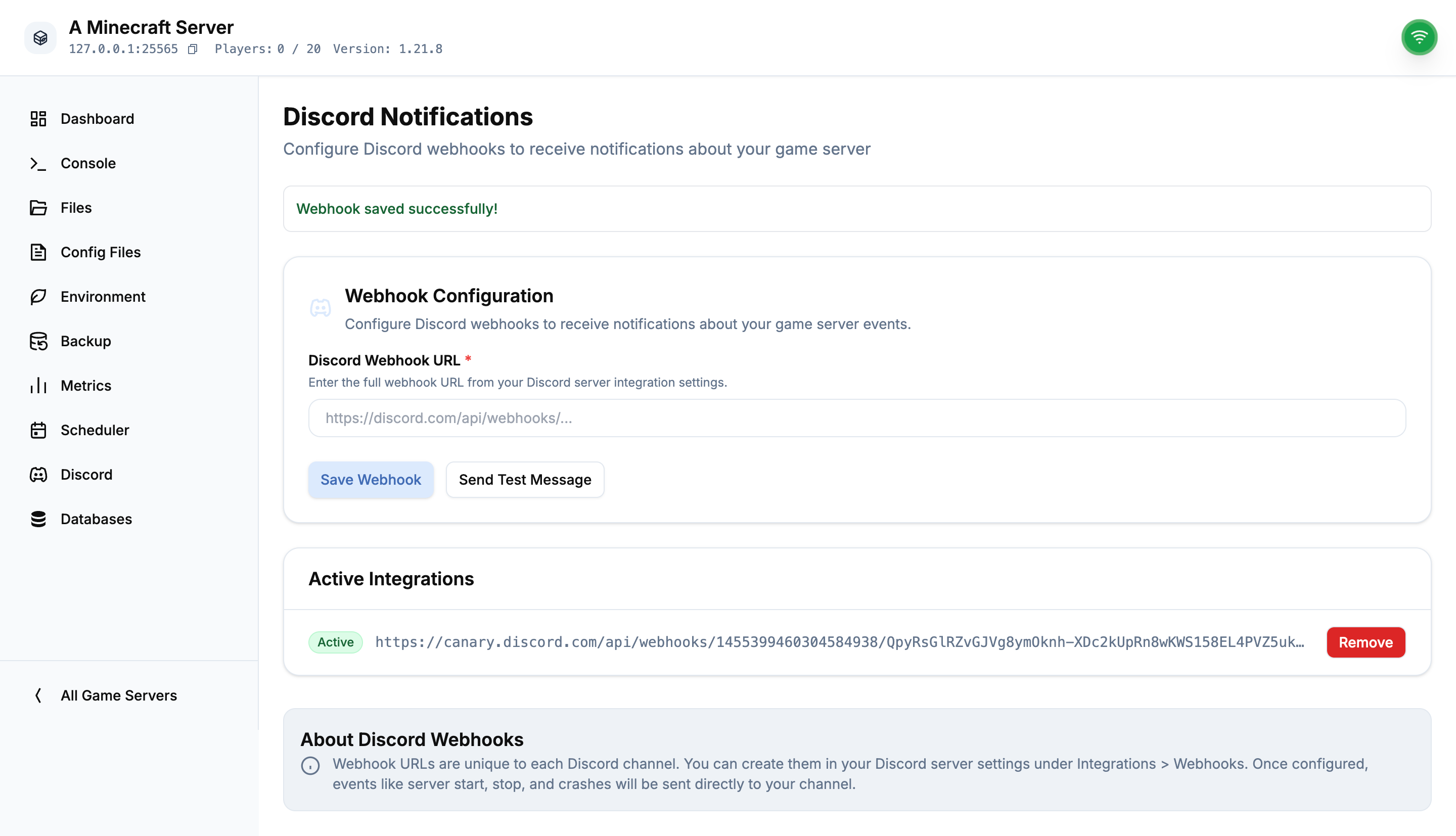
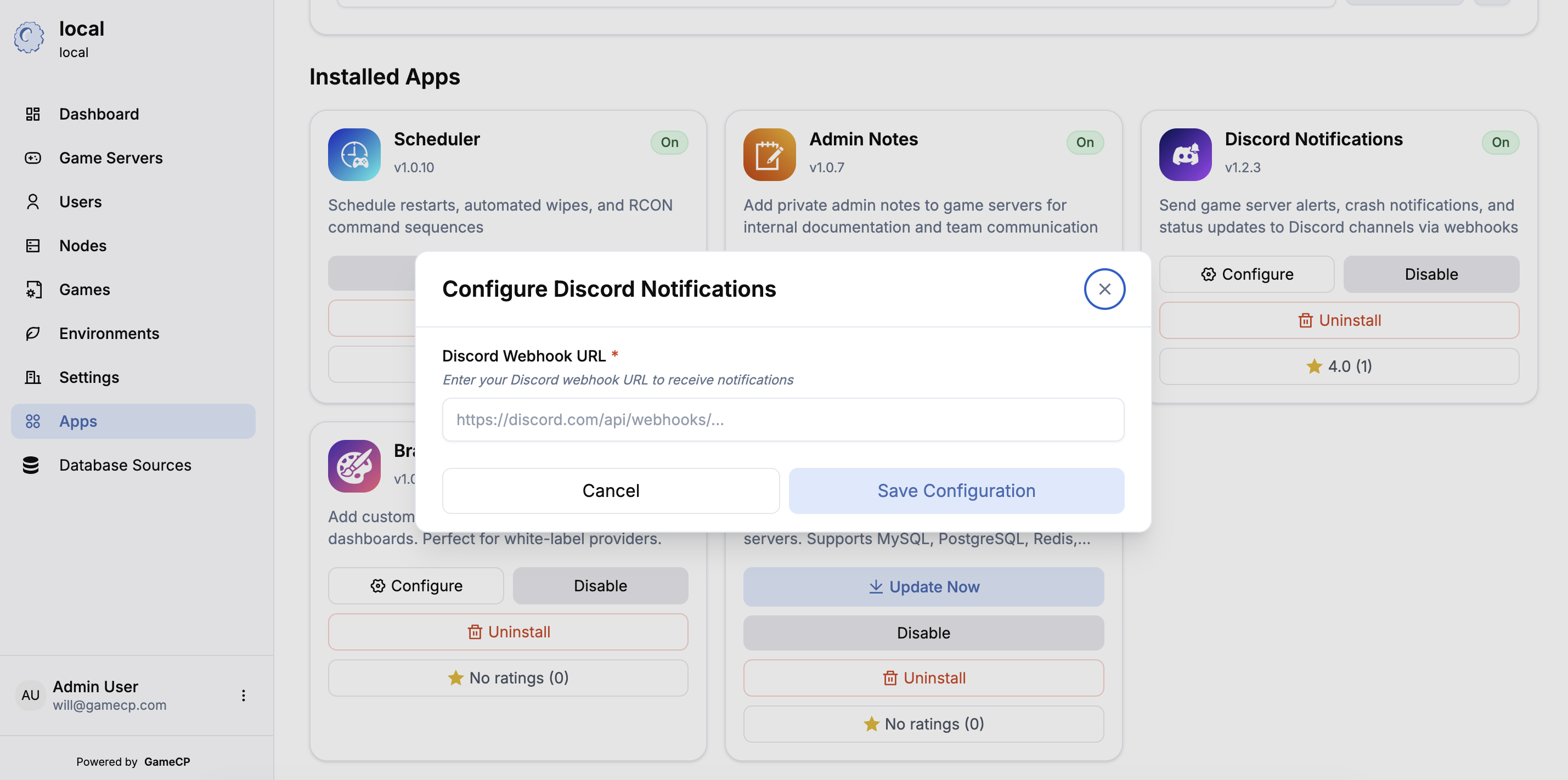
- 🔧 Easy Setup: Just paste your Discord Webhook URL and you're ready to go.
- 📝 Event History: Keep a log of all triggered webhooks for auditing.
How it works
Once installed, simply navigate to your game server's extension tab, paste in your Discord Webhook URL, and select the events you want to subscribe to. The extension handles the rest, running silently in the background to monitor your server status.
Technical Profile
Technical ID
discord-notifications
Publish Date
12/30/2025
Manifested Permissions
network.outbound